
Managing Group
You can manage Groups for tenants with Onelogin, Microsoft Entra ID authentication and Okta.
Watch the video to know how to manage a Group in PaperSave.
List Toolbar options for Groups
- +ADD: Click on +ADD to create a new PaperSave Group.
- CHOOSE FIELDS: You can set desired preferences for the fields to be displayed in the current list of Groups using Choose Fields. Learn more about Choose Fields.
- EXPORT TO EXCEL: You can export the entire or selected list of Groups to Microsoft Excel Sheet as shown in the below screen.
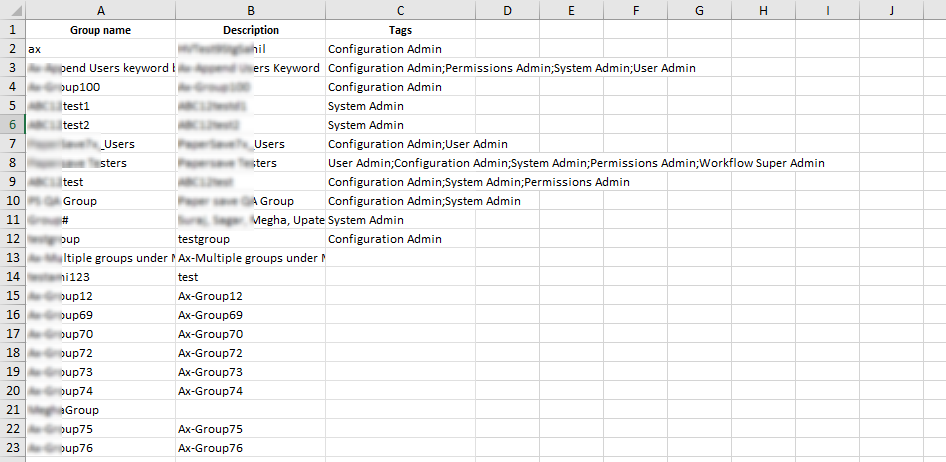
- IMPORT TAGS FOR GROUPS : You can import the tags for specific Groups from a CSV file with a predefined format (having two columns titled Group name and tags separated by semicolon). To import tags:
1) Click on IMPORT TAGS FOR USERS. Select your CSV file from the dialog box and click on Open.
2) Once you upload the file in the predefined format, the data from the file will be added to the Groups list.
- REFRESH: Clicking on REFRESH updates the recent changes in the Groups.